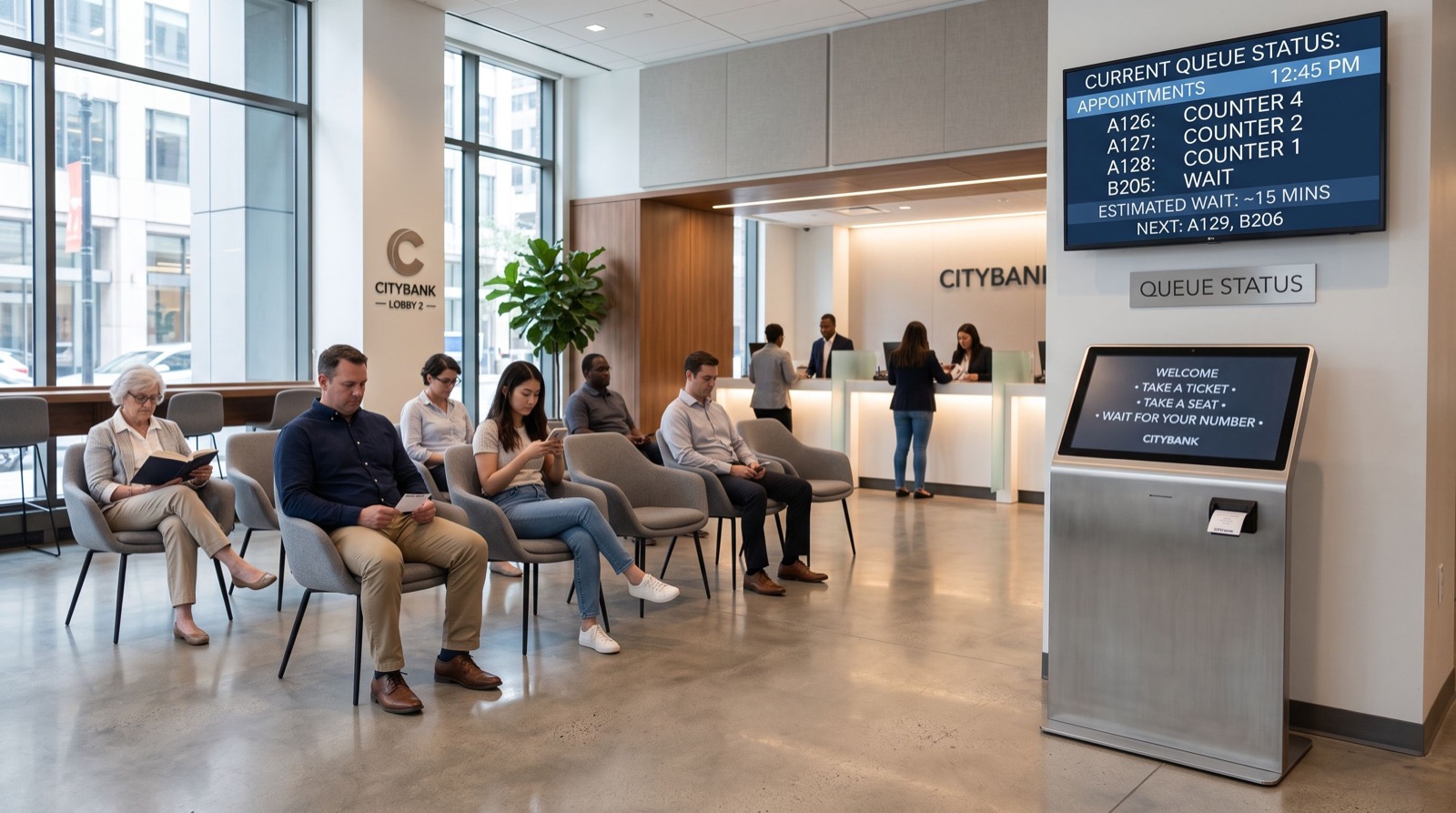
Queue Management System Trends: 7 Features Reshaping Service in 2026
Waiting is the one experience every customer remembers for the wrong reasons. That is why a modern queue management system has become a strategic tool rather than a back-office gadget. In 2026, businesses across the Gulf and South Asia are using intelligent queuing to cut wait times, balance staff, and capture the data they need to keep improving.
This article breaks down the seven features reshaping customer flow this year, compares regional deployment models, and gives you a practical checklist for choosing a platform that fits your branches. If your lobby still runs on paper tickets or a first-come shout, this is your roadmap to something far better.
Why the Queue Management System Market Is Booming
Demand is being driven by rising customer expectations and the falling cost of cloud software. According to industry analysis summarized by Grand View Research, the global market continues to expand as banking, healthcare, retail, and government sectors modernize their branches.
Three shifts stand out in 2026:
- Customers now expect to join a line from their phone, not a lobby.
- Managers demand live analytics instead of end-of-month guesswork.
- Multi-site brands want one dashboard across every city they operate in.
7 Features Defining a Modern Queue Management System
Here are the capabilities separating leading platforms from legacy ticket dispensers.
1. Virtual and Mobile Queuing
Customers scan a QR code or tap a link, then wait wherever they like. The lobby stays calm and walkaways drop.
2. Appointment Booking Integration
Booked visits and walk-ins merge into a single fair queue, so no one feels cheated when a scheduled customer arrives.
3. Real-Time Analytics Dashboards
Live wait times, service times, and no-show rates let managers reassign staff within minutes, not weeks.
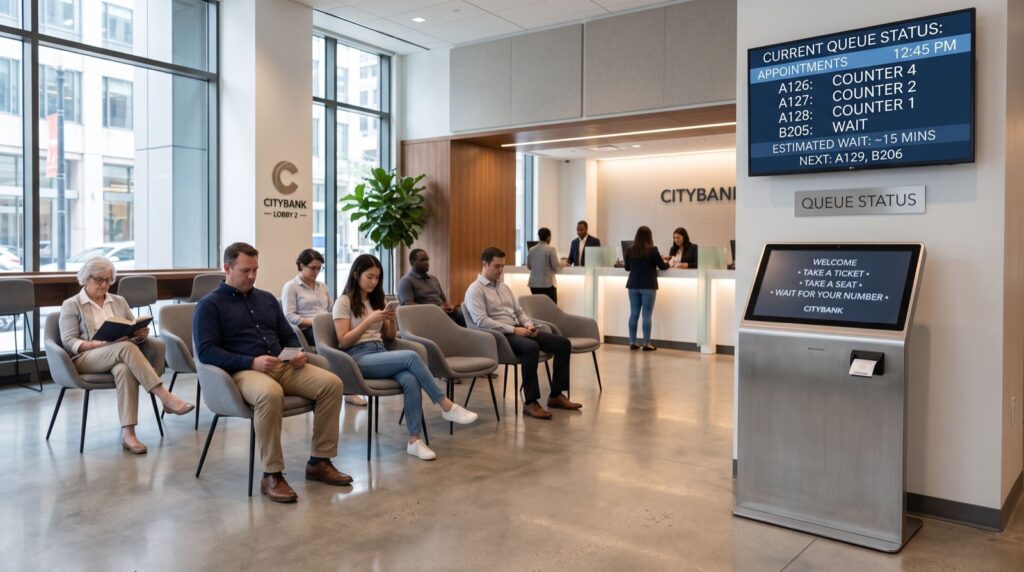
4. Digital Signage and Voice Calling
Clear multilingual displays and audio calls remove the confusion of “who is next” at busy counters.
5. Customer Feedback Capture
A quick satisfaction rating at the counter ties experience scores directly to individual agents and services.
6. Staff Performance Reporting
Per-agent metrics reveal training needs and reward your strongest performers with hard evidence.
7. Cloud and Multi-Branch Control
One central console manages every location, pushing updates and pulling reports without site visits.
How Do Regional Deployments Differ?
The technology is global, but the rollout is local. A queue management system in saudi arabia typically emphasizes bilingual Arabic-English interfaces, integration with national ID checks, and alignment with government efficiency targets. Branches in the Kingdom often run high volumes in banking and telecom halls, so hardware durability and mobile queuing matter enormously.
By contrast, a queue management system in pakistan frequently focuses on affordability, resilient hardware for variable power conditions, and rapid deployment for hospitals, utility offices, and retail chains. The core software is the same; the configuration and support model change.
Comparing Two Common Deployment Profiles
| Factor | Saudi Arabia Branch | Pakistan Branch |
|---|---|---|
| Primary languages | Arabic + English | Urdu + English |
| Top sectors | Banking, telecom, government | Healthcare, utilities, retail |
| Key priority | Efficiency KPIs, mobile queuing | Cost efficiency, hardware resilience |
| Rollout speed | Phased, enterprise-grade | Fast, branch-by-branch |
Whichever market you serve, partnering with reliable local experts ensures the configuration matches on-the-ground realities rather than a generic template.
Choosing the Right Platform: A Practical Checklist
Before you sign anything, walk through this ordered checklist.
- Confirm full support for your customers’ languages, including right-to-left layouts.
- Ask for a live analytics demo using sample branch data.
- Verify mobile queuing works on both Android and iOS.
- Check hardware warranty and local service response times.
- Request references from a comparable branch network.
- Run a four-week pilot before scaling across cities.
An Original Tip Most Buyers Miss
Measure your baseline first. Spend one week logging current wait and service times manually before installation. Without that baseline, you cannot prove the improvement to leadership, and you lose the strongest argument for expanding the rollout.
Industries Seeing the Fastest Returns
Some sectors gain from queuing faster than others because their pain points are so visible. Understanding where the biggest wins land helps you prioritize your own rollout.
Banking and Financial Services
Branches juggle quick transactions and long advisory sessions in the same hall. Segmenting these queues keeps simple deposits from getting stuck behind complex loan meetings, which lifts satisfaction sharply.
Healthcare Clinics and Hospitals
Patients arrive anxious and often unwell. Clear digital tickets, seated waiting, and mobile updates reduce crowding in sensitive areas and calm a stressful environment.
Telecom and Retail Stores
High footfall and browsing behavior make walkaways common. Virtual queuing lets customers shop while they wait, converting idle time into potential sales.
Preparing Your Team for the Change
Technology only succeeds when people embrace it. A short, structured change plan prevents the most common rollout stumbles and keeps staff confident from day one.
- Run a hands-on training session before go-live, not after.
- Appoint a branch champion who answers day-to-day questions.
- Share early wins, such as shorter wait times, to build momentum.
- Collect staff feedback weekly and adjust the configuration.
When agents understand that the system makes their day easier, adoption accelerates and the customer experience improves in step. That human layer is often the real difference between a stalled pilot and a confident, chain-wide success in 2026.
Frequently Asked Questions
What is a queue management system in simple terms?
It is software and hardware that organizes waiting customers into a fair, digital line, calls them to the right counter, and records the data managers need to improve service.
Does a small business need one?
If you regularly have more than a few people waiting at once, yes. Even a single-counter clinic or shop benefits from digital tickets, mobile queuing, and simple analytics that reveal your busiest hours.
Cloud or on-premise: which is better?
Cloud suits multi-branch brands that want central control and automatic updates. On-premise appeals to organizations with strict data-residency rules. Many vendors now offer hybrid options that combine both.
How quickly will I see results?
Most businesses notice shorter perceived waits and fewer walkaways within the first month, while deeper staffing and revenue gains appear over the first quarter as you act on the analytics.
Conclusion and Next Steps
A well-chosen queue management system does far more than replace paper tickets. It reshapes customer experience, sharpens staffing, and gives leadership the data to keep improving branch after branch throughout 2026 and beyond.
Ready to modernize your lobby? Map your busiest branch, capture a baseline, and request a tailored demo from a trusted solutions provider. The sooner you start, the sooner your customers stop waiting and start smiling.